April 15, 2026
Scaddy: Multimodal Conversational AI at Living Lab Leipzig
Living Lab
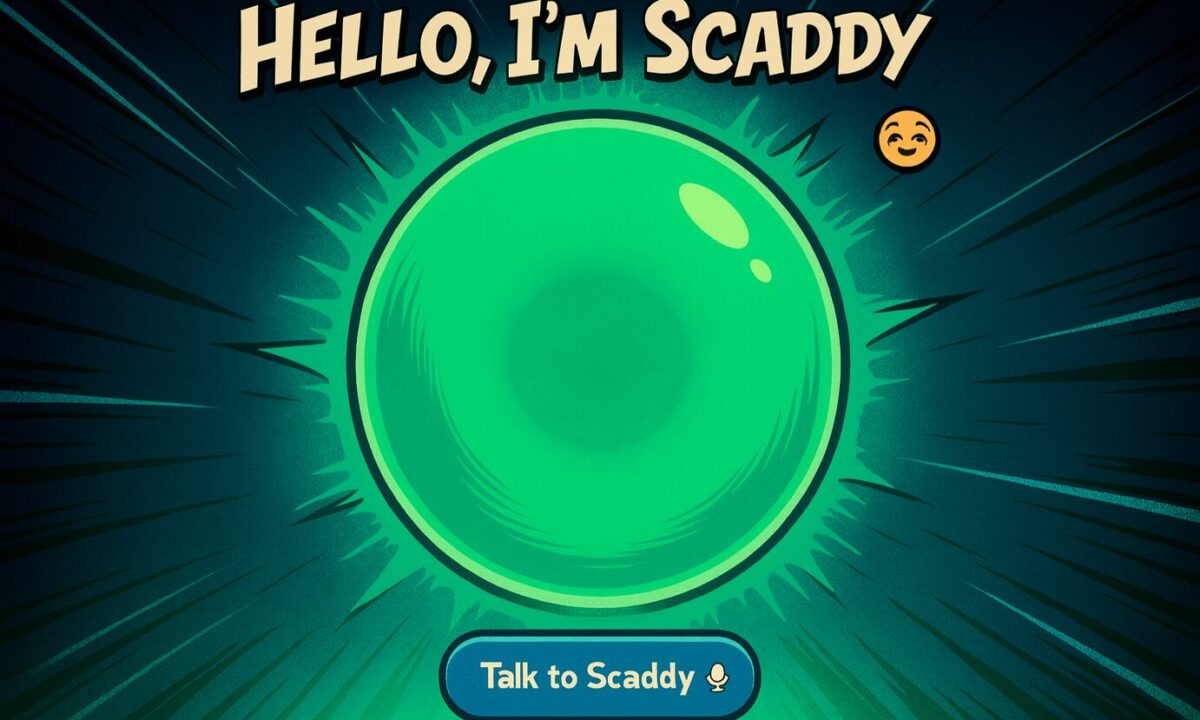
Scaddy is a multimodal conversational AI guide that helps visitors explore demonstrators at ScaDS.AI Dresden Leipzig‘s interactive exhibition space, the Living Lab, in Leipzig. Running on a tablet, visitors can talk to Scaddy, show it pictures, and ask questions in English or German. Scaddy responds with spoken answers that explain what’s on display. The goal is to make the system intuitive for all ages and accessible in a busy exhibition environment.
What visitors can do
Visitors walk around with the tablet and can start a conversation with a single tap. Transcriptions of spoken questions appear in the chat history for easy reference.
The tablet’s cameras enable visual exploration: visitors can photograph research posters, equipment, or experiments, and Scaddy describes what it sees. For example, when a visitor photographs a poster about neural networks, Scaddy uses optical character recognition (OCR) to read the text and recognize the diagrams, then explains the concepts in simple terms.
Moreover, visitors can contribute to Scaddy’s knowledge base in add-knowledge mode by labeling and uploading new images to teach Scaddy about objects or concepts it hasn’t encountered before.
How Scaddy works
Scaddy combines many functionalities into one, making it “multimodal”. It can understand and combine different types of input, like speech, text, and images, so it responds more naturally and flexibly than systems limited to a single mode. To coordinate these different input modes into one coherent interaction, Scaddy relies on a set of AI services working together behind the scenes:
- Voice Activity Detection (VAD)
filters out silence and background noise so only meaningful speech gets processed. - Speech-to-Text (STT)
runs either on a local Faster Whisper model or via the OpenAI Whisper API, depending on configuration. - Text-to-Speech (TTS)
uses the OpenAI TTS-1 model to generate Scaddy’s spoken replies, synchronized with the UI for consistent audio-visual feedback. - Vision processing
uses CLIP (Contrastive Language-Image Pre-training) embeddings, a model that connects images and text, and a curated visual knowledge base in a visRAG pipeline
What Scaddy looks like
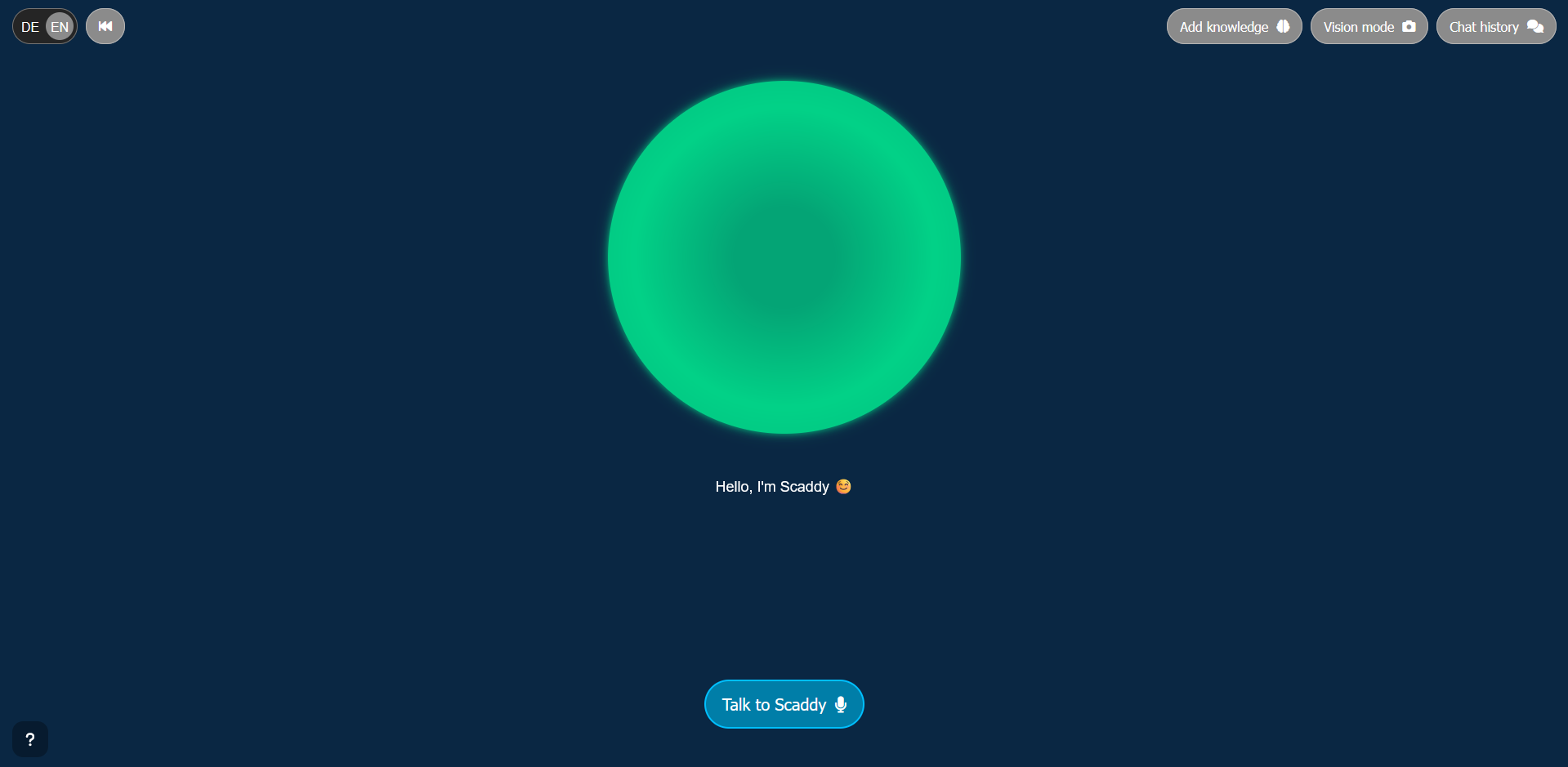
Overall, visitors interact with Scaddy through the interface on a tablet. The interface centers on a dynamic green sphere that visually communicates Scaddy’s state; idle, listening, thinking, speaking, vision mode or add‑knowledge mode, through color and icons. Furthermore, a subtitle area beneath the sphere displays live TTS output or status messages. A top bar provides quick access to chat history, camera mode, add‑knowledge mode, conversation reset, and language switching.
How Scaddy Answers Questions
Scaddy’s knowledge retrieval is deliberately flexible, using multiple strategies for accurate answers:
- Cache-Augmented Generation (CAG)
a method that loads large documents directly into the AI’s working memory and enables precise, document-grounded answers without database lookup. - Retrieval-Augmented Generation (RAG)
a technique that searches through structured knowledge sources and queries specific information when needed. - Visual Retrieval-Augmented Generation (visRAG)
linking visual embeddings to textual knowledge so image-related questions get answered reliably
Together, these strategies let Scaddy explain projects throughout the Living Lab with relevant and contextually appropriate information.
System Architecture
The system architecture balances performance and responsiveness: the tablet hosts a lightweight web UI while a FastAPI backend runs in a Docker‑Compose stack on a remote GPU machine. This distributed setup keeps the compute‑intensive speech and vision models on powerful hardware while preserving a responsive experience on the tablet. Deployment is straightforward for staff: a preconfigured script connects to the GPU server, starts the backend services, and opens the interface in the tablet’s browser so visitors can begin interacting immediately.
Privacy and Data Handling
Privacy and data handling are core design considerations. Scaddy stores chat history locally in the tablet’s browser storage; it sends audio, image, and text data required for processing to the backend.
In fact, Scaddy saves new knowledge entries created via add-knowledge mode to the backend’s local files and does not share them externally. The system performs image processing and retrieval tasks locally using the CLIP model. LLM/VLM inference is handled by KIARA and the respective Vision LLM instances, with KIARA being a local LLM cluster managed by URZ Leipzig / Scientific Computing. By default, all privacy-sensitive tasks, such as the transcription of audio recordings and file management, are handled locally on the respective GPU workstation. It is also possible to switch LLM inference between the KIARA cluster and other cloud providers.
Meet Scaddy
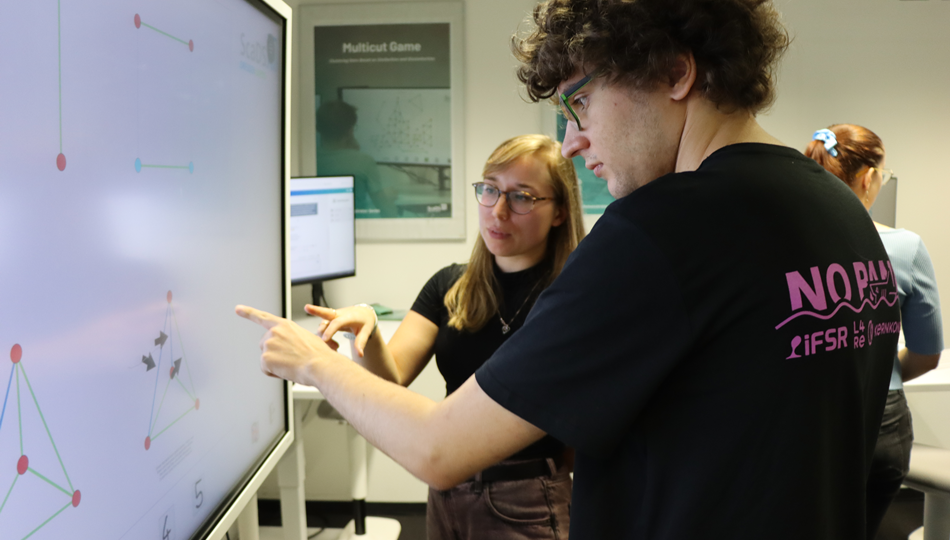
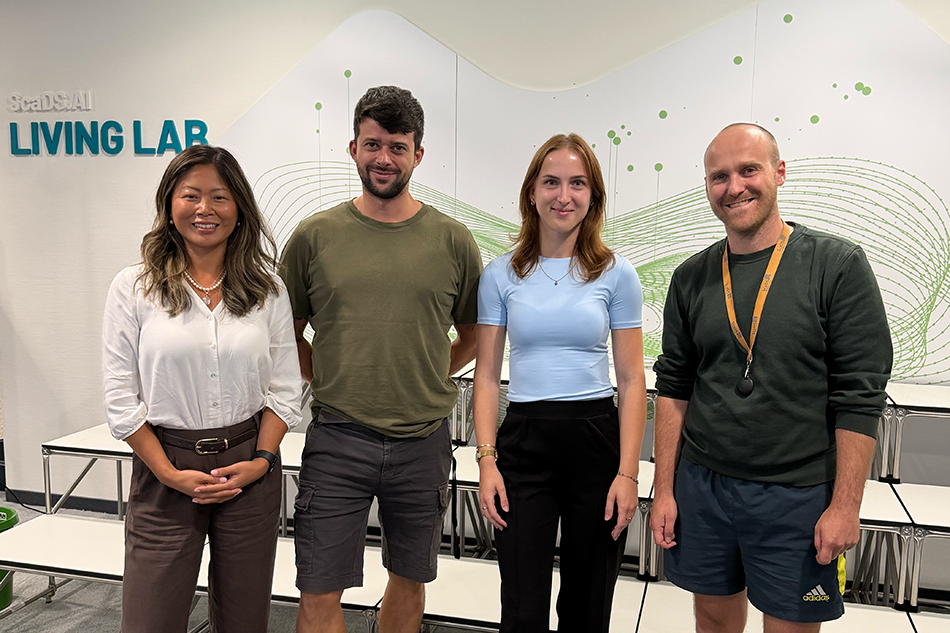
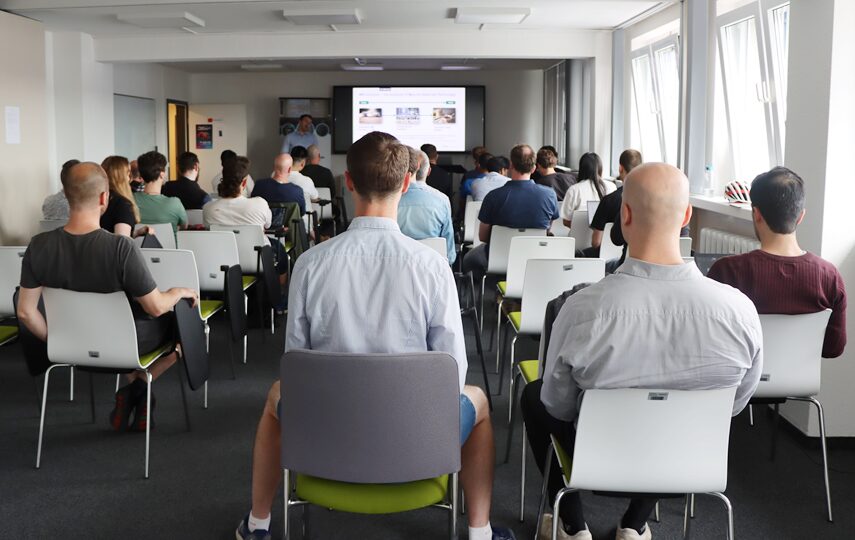
The regular Meetups in the Living Lab Leipzig offer the opportunity to experience Scaddy firsthand. At the Meetup, researchers, industry partners, students and interested members of the public come together for demonstrations and open discussions on current developments in data science and AI. As part of the interactive exhibition area, Scaddy is available for live exploration.
Conclusion
Scaddy exhibits how multimodal AI can be made accessible, transparent and interactive in a public research environment. By combining speech, vision and flexible retrieval strategies, it provides a robust and context‑aware assistant that supports visitors as they explore the Living Lab Leipzig.
funded by:

ScaDS.AI Dresden/Leipzig (Center for Scalable Data Analytics and Artificial Intelligence) is a center for Data Science, Artificial Intelligence and Big Data with locations in Dresden and Leipzig.


Dresden
Visitor address
Technische Universität Dresden
ScaDS.AI Dresden/Leipzig
Bürogebäude Strehlener Straße
Strehlener Straße 12, 14
01069 Dresden
ScaDS.AI Dresden/Leipzig
Bürogebäude Strehlener Straße
Strehlener Straße 12, 14
01069 Dresden
Postal address
Technische Universität Dresden
Zentrum für Informationsdienste und Hochleistungsrechnen
ScaDS.AI Dresden/Leipzig
01062 Dresden
Zentrum für Informationsdienste und Hochleistungsrechnen
ScaDS.AI Dresden/Leipzig
01062 Dresden
Leipzig
Visitor address
ScaDS.AI Dresden/Leipzig
Löhrs Carré
Humboldtstraße 25, Uferstr. 11
04105 Leipzig
Löhrs Carré
Humboldtstraße 25, Uferstr. 11
04105 Leipzig
Postal address
Universität Leipzig
Data Science Center ScaDS.AI Leipzig
Internes Postfach: 322001
04081 Leipzig
Data Science Center ScaDS.AI Leipzig
Internes Postfach: 322001
04081 Leipzig
Quicklinks:
Copyright 2026 © SCADS.AI Dresden/Leipzig – All rights reserved.